
Flight Capacity
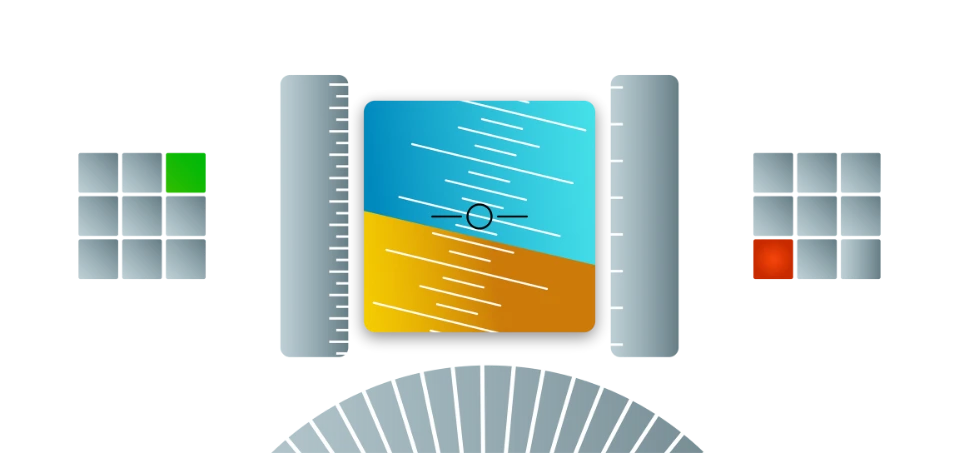
Flight Capacity measures your ability to control an aircraft while handling multiple tasks at the same time.
What is Flight Capacity?
This is the most advanced multi-tasking module. It simulates a cockpit environment where you must maintain flight parameters using a joystick while simultaneously managing visual memory, spatial awareness, and auditory processing tasks.
1. Flight Control (Joystick)
- Control Heading, Altitude, and Speed using the joystick and throttle.
- Move left/right for heading, up/down for pitch (climb/descend).
- Pitch changes affect speed; use the throttle to compensate.
- Reach target values to receive new instructions.
Garmin display: Heading, Altitude, Speed targets
Number Memory & Spatial Tasks
- Number Memory: Remember green 5-digit numbers that appear during flight. Enter them when the test pauses.
- Spatial Keypad: Press the matching key when a square in the 3x3 grid lights up yellow.
Spatial Keypad (3x3) | Number Memory | Auditory Cues
Auditory Number Task
- Listen to spoken numbers while flying.
- 3 even numbers in a row: Press Button A.
- 3 odd numbers in a row: Press Button B.
How to Prepare
- Scanning: Develop a cross-check scan pattern between the cross and the numbers.
- Anticipation: Move the joystick slightly before the cross reaches the edge.
- Calculations: Keep your mental energy focused on the math during stable flight.
Official Mode
Simulates real exam conditions (Phase 2 & 3 only). Includes full audio distractions and fast-paced tracking.
- Maximum difficulty
- Integrated math and tracking
- Full performance feedback
The 3 Phases Pattern
This pattern applies to all modules in the Pegasus exam.
FCTraining
→
FCPhase 1
→
FCPhase 2
Module Phases
| Phase | Duration | Status | Feedback |
|---|---|---|---|
| Phase 1 | 3 minutes | Not graded | ON |
| Phase 2 | 3 minutes | Graded | ON |
| Phase 3 | 10 minutes | Graded | OFF |